Themes
TomoGUI ships with a bright and a dark theme.
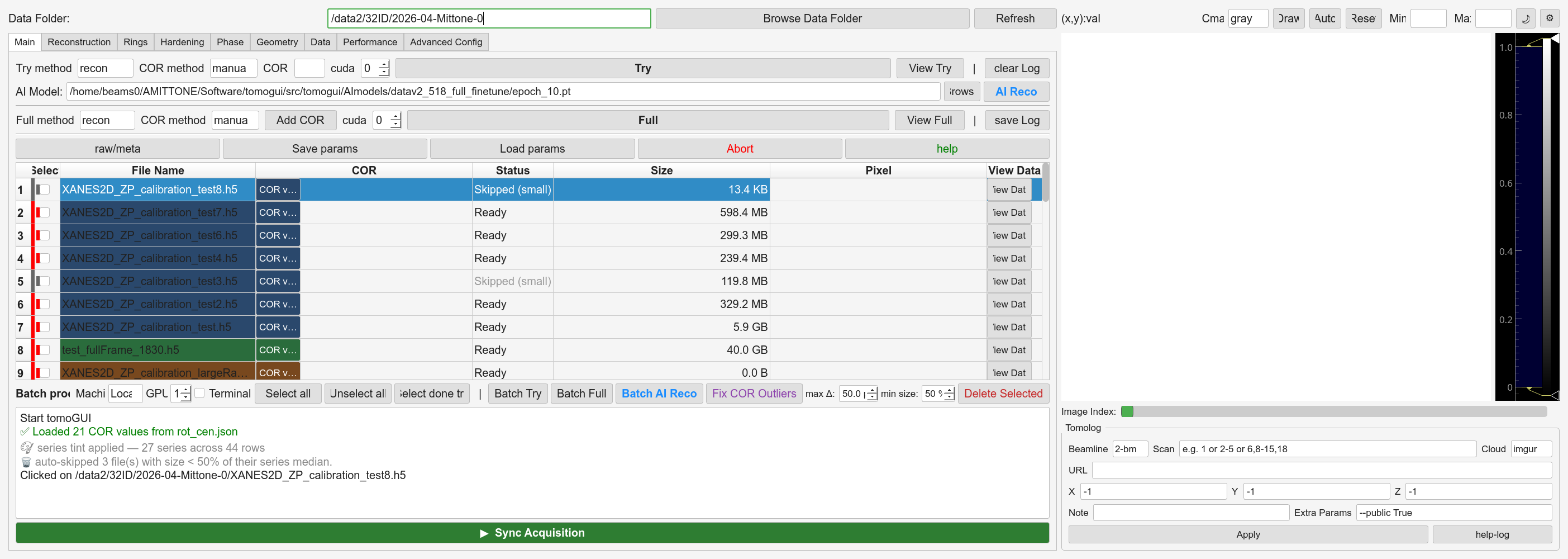
Light theme.
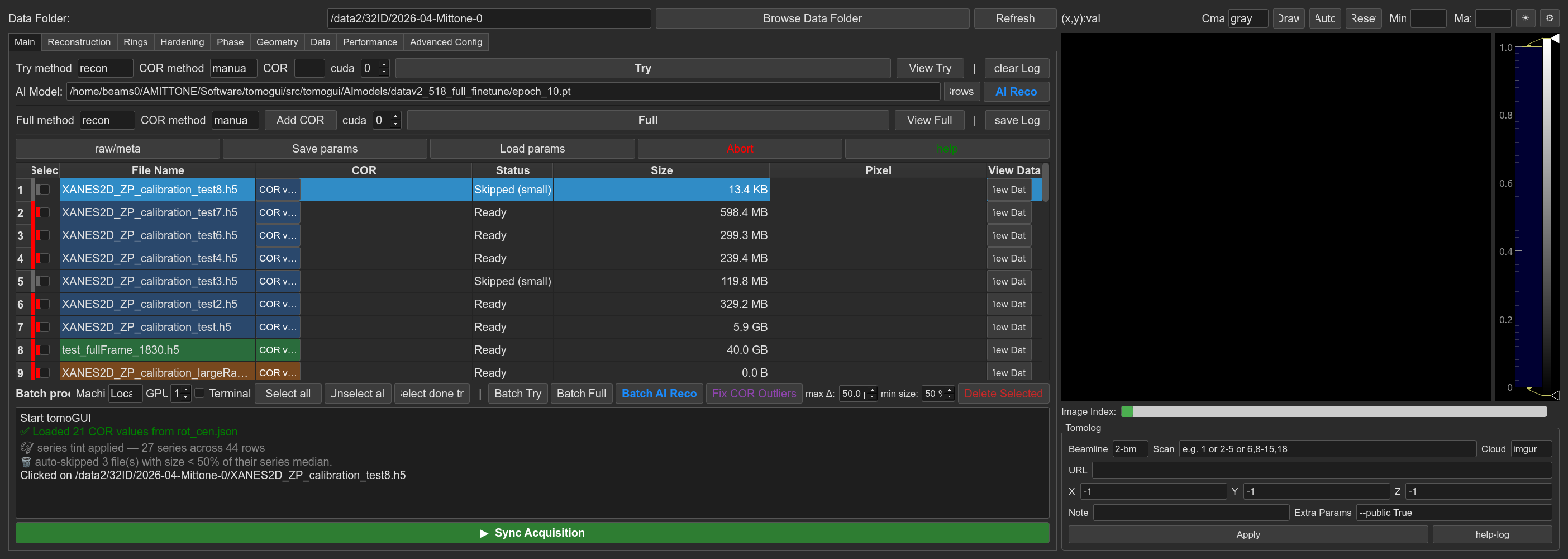
Dark theme.
Toggling
Click the theme button in the right-panel toolbar (next to the Min/Max contrast controls).
🌙 — currently bright, click to go dark
☀ — currently dark, click to go bright
Changes apply instantly to both Qt widgets and matplotlib plots. The
selected theme is persisted to ~/.tomogui_settings.json and
restored on next launch.
Customising
QSS stylesheets:
src/tomogui/styles/themes.pymatplotlib styles:
src/tomogui/styles/tomoGUI_mpl_bright.mplstyleandsrc/tomogui/styles/tomoGUI_mpl_dark.mplstyletheme logic:
src/tomogui/theme_manager.py
Edit the QSS block for the theme you want, restart TomoGUI, done.