Batch Processing Tab
The Batch tab runs reconstructions on many datasets in parallel, with multi-GPU execution, AI Reco integration, COR outlier / missing-value correction, and remote-host support.
Features
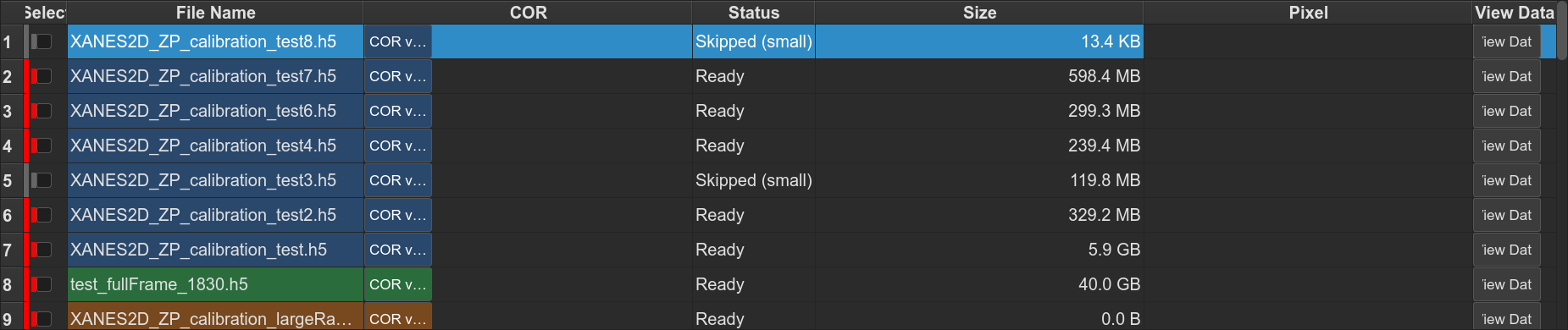
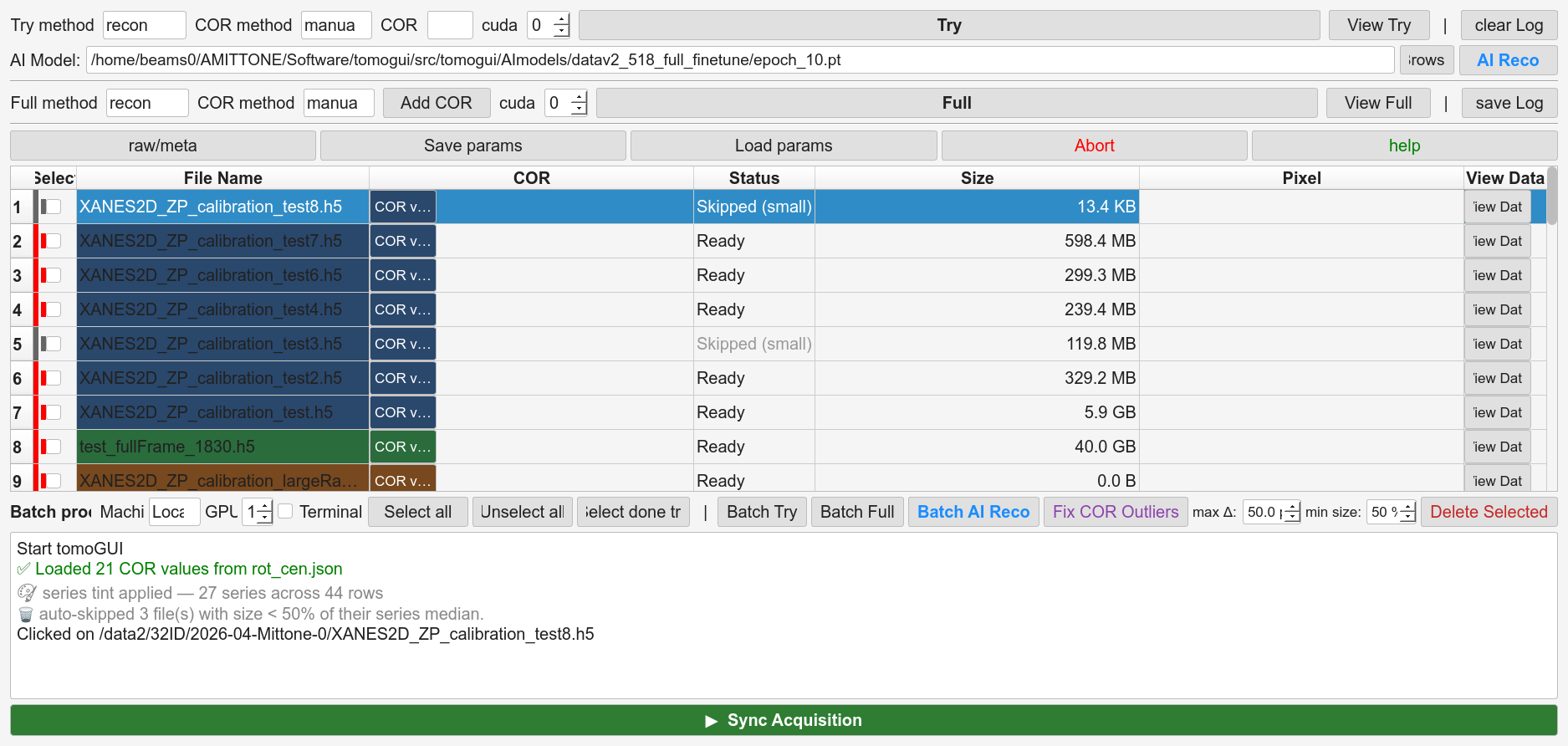
file list with per-row checkbox, COR input, status, and series tint
Shift-click range selection
Batch Try, Batch Full, Batch AI Reco with per-phase selection checkboxes: Try / Infer / Full / TomoLog
Fix COR Outliers with series grouping, configurable max delta, and automatic series-mean fill for missing CORs
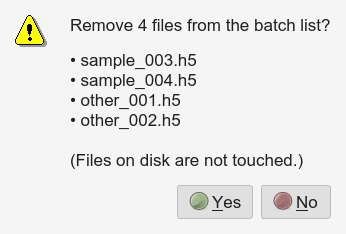
Delete Selected with confirmation
per-file streaming status during inference; live COR updates
unified GPU queue: one reconstruction / inference process per GPU slot
remote SSH execution
File table
Col |
Name |
Purpose |
|---|---|---|
0 |
☑ |
Select / deselect (Shift-click for a range) |
1 |
File |
Filename (relative to the data folder) |
2 |
COR |
Per-row COR input |
3 |
Status |
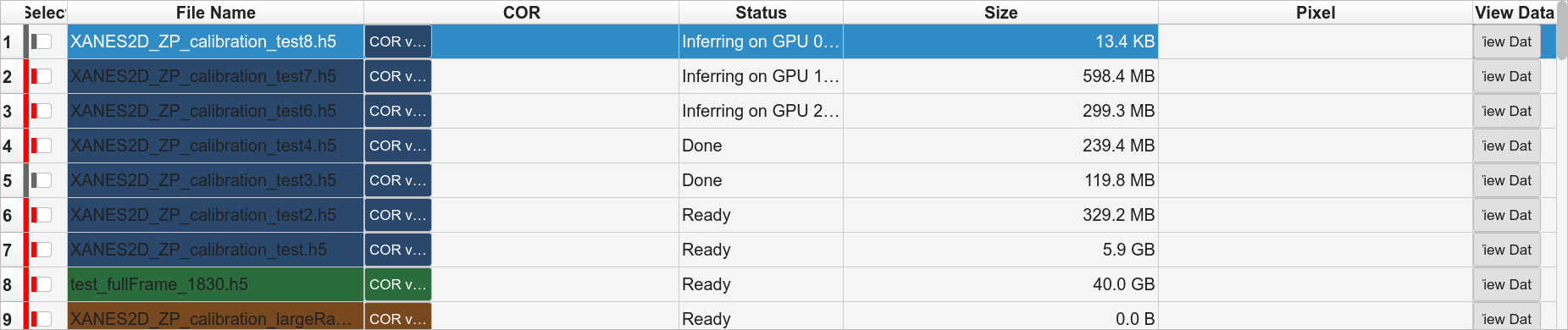
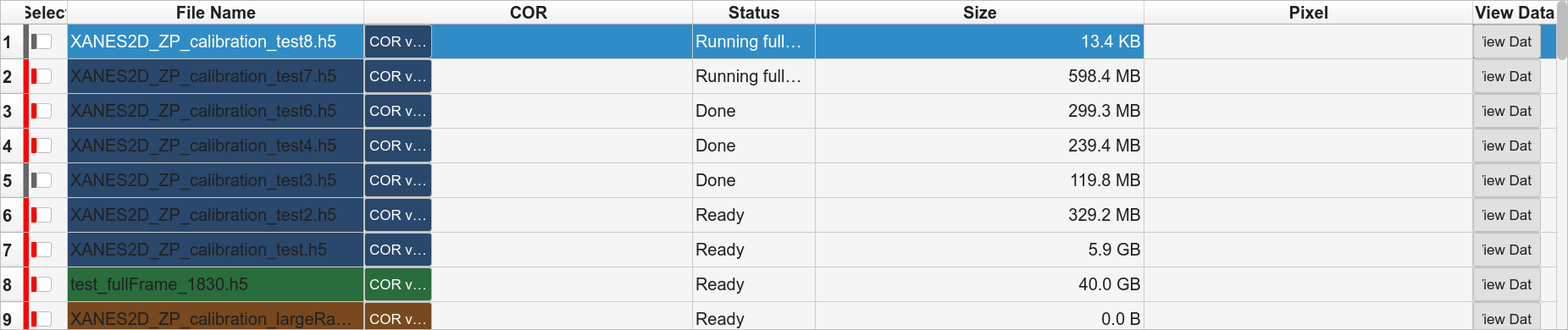
Queued / Running / Inferring / Uploading / Done / Failed |
Rows are tinted by their filename series.
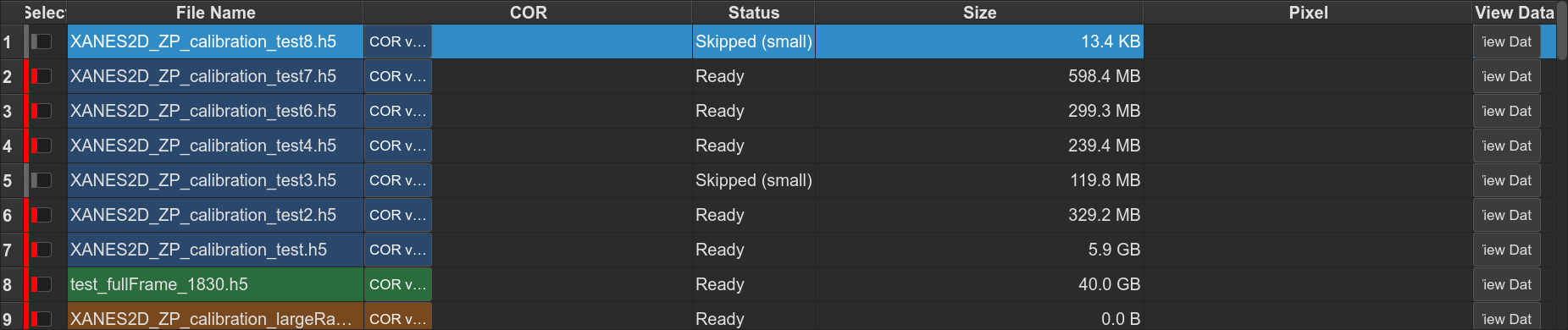
Right-click on a row opens a context menu with Edit parameters, Apply parameters to selected, View Try / View Full, and Delete from list.
Selection
Click a checkbox — toggle a single row
Shift-click — toggle every row between the previously clicked row and this one (no automatic COR filling — use Fix COR Outliers for that)
Header checkbox — select / clear all rows
Batch Try / Full
Batch Try and Batch Full drop every checked row into the GPU queue.
One TomoCuPy subprocess per GPU slot, pinned via
CUDA_VISIBLE_DEVICES. The top-bar Try COR input is the fallback
for any row whose own COR is empty; if both are missing for a row, the
run is blocked with a clear error.
Batch AI Reco
All phases use the same shared GPU queue — one file per GPU at a time, next one dispatched as soon as a slot frees up. Four checkboxes next to the button let you pick which phases to run:
Try (default on) — Phase A
Infer (default on) — Phase B
Full (default on) — Phase C
TomoLog (default off) — Phase D
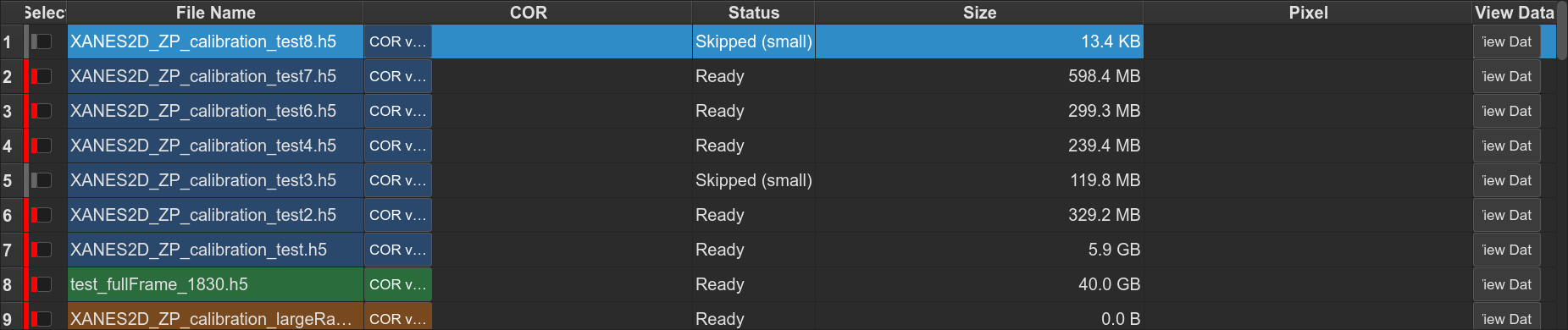
Skipping Try assumes try_center TIFFs already exist on disk. Skipping Infer makes Full use whatever CORs are already in the table.
- Phase A — Try
Try reconstruction for every checked row.
- Phase B — Inference
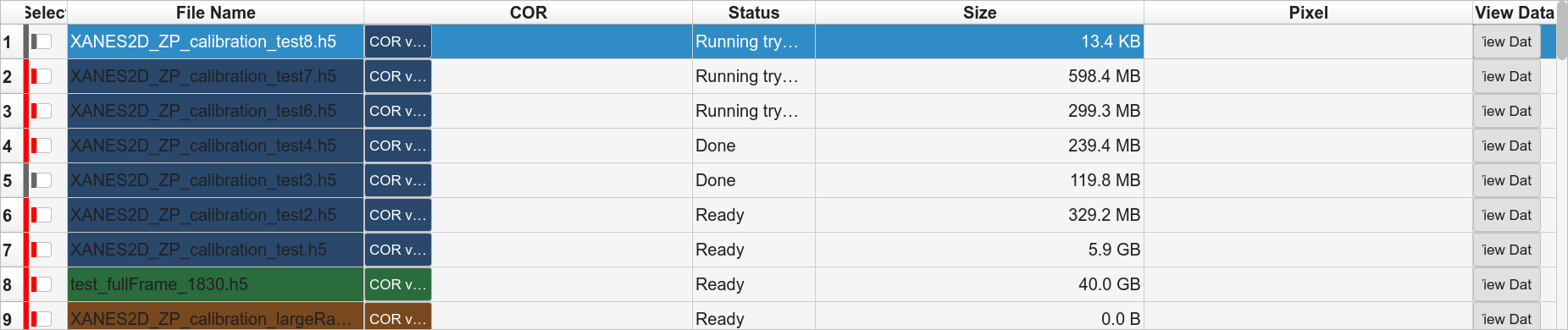
One
python -m tomogui._infer_workerper file, per GPU slot. Worker prints[infer-worker] OK <path> => <cor>; the GUI updates that row’s COR and status the moment it sees the line. A hung file only blocks its own GPU slot — the rest of the queue keeps flowing.
- Phase C — Full
Full reconstruction for every row that now has a COR.
- Phase D — TomoLog upload (optional)
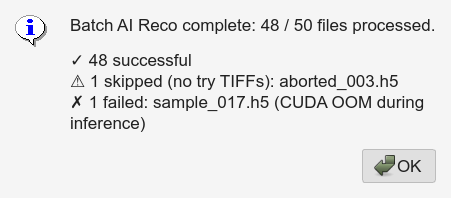
Tick the TomoLog phase checkbox. After Phase C, every file whose Full succeeded is uploaded to TomoLog using the settings in the right-hand TomoLog panel. Uploads are sequential.
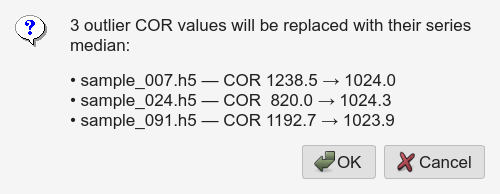
Fix COR Outliers (also fills missing CORs)
Two passes run on one click, both using the same filename-series
grouping (^(.*?)[._-]*(\d+)$):
Outlier replacement — in each series, flag any COR outside
median ± min(max_delta, max(10, 5·MAD))and replace it with the average of the two nearest non-flagged neighbours by index.Missing-COR fill — any selected row still empty is filled with the mean of existing CORs in its series across the whole table (donors can be checked or unchecked, anywhere in the list). 0 donors → left empty and reported.
max_delta is the Max COR delta spinbox (default 50 px).
Auto-skip undersized files
Within a series, any file with noticeably smaller HDF5
/exchange/data than its peers is marked skipped automatically —
typically an aborted acquisition.
Delete Selected
Removes checked rows from the file list and table after confirmation. Does not touch anything on disk.
Remote execution
Set Remote host in Advanced Configuration. The batch queue SSHes to
the remote host, runs TomoCuPy / _infer_worker there with
CUDA_VISIBLE_DEVICES per worker, and streams stdout back.