Advanced Configuration
The Advanced Config tab holds cross-cutting settings that apply to every reconstruction: remote host, number of GPUs, AI model path, and extra flags appended to every TomoCuPy invocation.
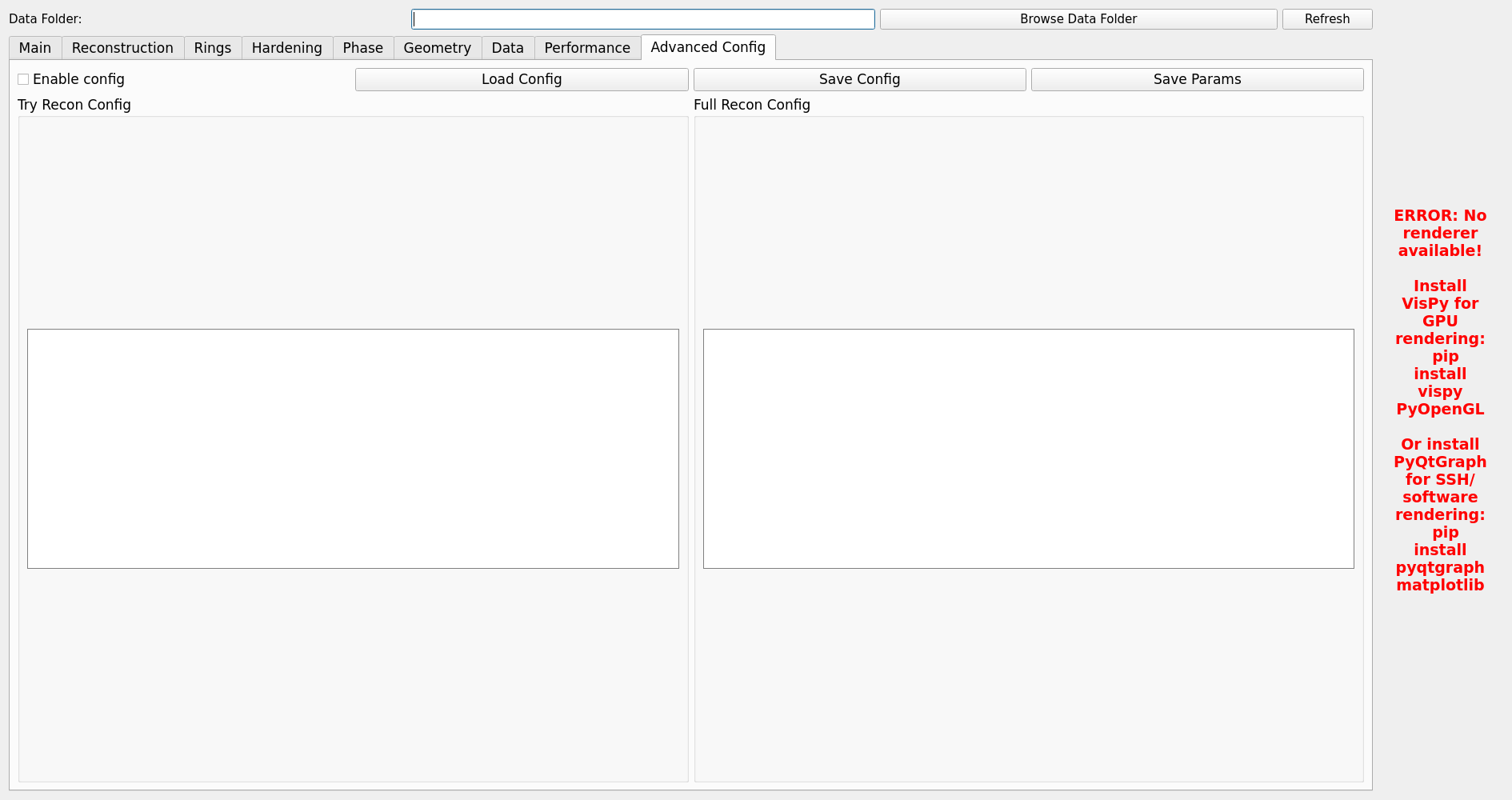
Fields
- Remote host (
user@host) If set, Batch Try / Batch Full / Batch AI Reco SSH to this host and run TomoCuPy there. Leave blank to run locally.
- Number of GPUs
How many GPUs to use in parallel for batch operations. Batch Try and Batch Full allocate one TomoCuPy worker per GPU (
CUDA_VISIBLE_DEVICESset per worker). Batch AI Reco Phase B splits the file list across this many_infer_workersubprocesses.- AI model path
Absolute path to the DINOv2 checkpoint used by AI Reco. The path is interpreted on the reconstruction host — if you use a remote host, it must be valid there.
- Extra flags
Free-form flags appended to every TomoCuPy command. Useful for ad-hoc overrides without touching the parameter tabs.
Persistence
All fields in this tab are persisted to the TomoGUI settings file and reloaded on launch. Batch runs read these values at dispatch time, so changes apply to the next job immediately.
Config file editing
For advanced users, the underlying TomoCuPy configuration file can be opened directly from the Advanced Config tab and edited in a text widget. Changes are saved back to the file on disk when you click Save.
See the TomoCuPy documentation for the full config file reference.