Reconstruction Workflow
This page covers the single-file reconstruction workflow. For multi-file operations, see Batch Processing Guide; for automatic COR discovery, see AI Reconstruction.
Quick reference
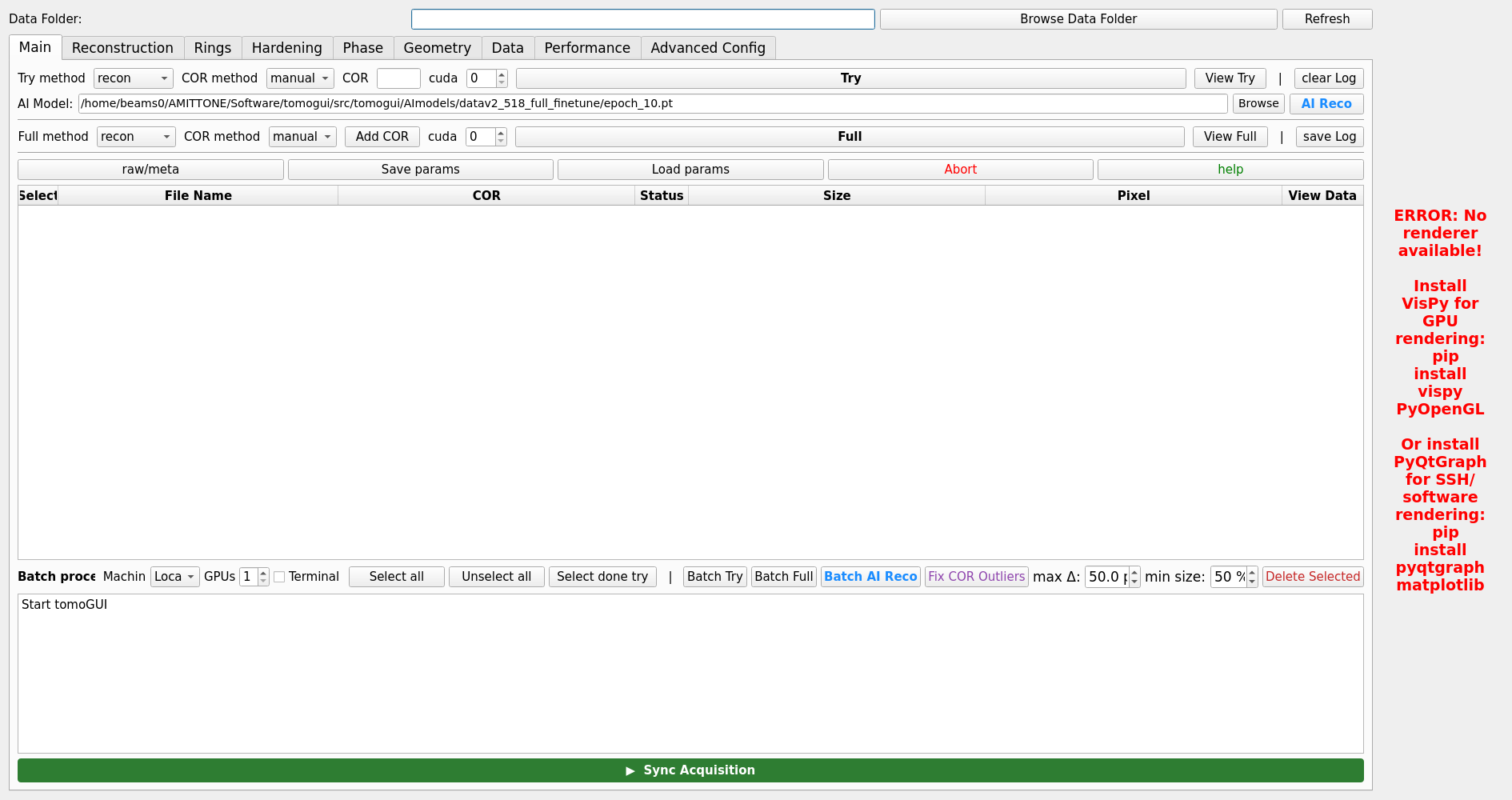
Load data folder and select a file
Set reconstruction parameters (COR, algorithm, binning, …)
Run Try (or AI Reco) to pick a COR
Evaluate the try output
Adjust parameters if needed
Run Full
Try vs Full
Try Reconstruction
Runs over a small slice range at multiple candidate CORs
Fast (seconds to a few minutes)
Output:
<folder>_rec/try_center/<dataset>/center*.tiffUsed for: picking the COR, checking data quality, tuning filter params
Full Reconstruction
Processes the complete dataset
Slower (minutes to hours depending on size / binning)
Output:
<folder>_rec/<dataset>/recon_*.tiff
Reconstruction Methods
TomoGUI exposes all TomoCuPy methods via the Recon tab:
FBPDirect filtered backprojection. Fast, sufficient for most datasets.
gridrecGrid-based FBP. Good quality / speed trade-off for 360° scans.
LPRECLog-polar reconstruction. Faster for very large sinograms.
Additional flags (recon_steps vs recon, binning, nsino-per-chunk,
start / end slice) are available on the same tab.
Centre of Rotation
COR can be set four ways:
Manual — type a value in the COR field on the Main tab.
Auto — TomoCuPy’s built-in auto-centre. Selected via the COR method dropdown.
Try + View Try — run Try, slide through candidate CORs, pick the best one, it is copied into the COR field.
AI Reco — DINOv2-based automatic selection (see AI Reconstruction). Result is written to
<folder>_rec/try_center/<dataset>/center_of_rotation.txtand pulled back into the GUI.
For multi-file operations, see COR Management for how per-row CORs interact with the top-bar COR input, and how Fix COR Outliers works.
Output folders
All output lives next to the data folder with a _rec suffix:
/data/tomo/scan/                    ← projections
/data/tomo/scan_rec/                ← reconstructions
    ├── try_center/<dataset>/        ← try TIFFs + center_of_rotation.txt
    └── <dataset>/recon_*.tiff       ← full reconstruction
Per-dataset parameters
Every reconstruction parameter tab writes its values to a JSON sidecar next to the projection file. Re-loading the file restores its last-used parameters. This sidecar is also what the Batch tab reads when you click Apply parameters to selected on a row.