SSH Setup for Remote Machines
TomoGUI can dispatch batch jobs to a remote reconstruction host over
SSH. This page covers what TomoGUI needs. For general SSH setup
(key generation, authorized_keys, NFS, firewall) refer to the
standard SSH / system documentation — the items below are specific to
getting TomoGUI’s batch queue to work.
Requirements
On the remote host:
passwordless SSH login from the TomoGUI host (
ssh <host>must return a shell without prompting)tomocupyon$PATHin a non-interactive shellfor AI Reco:
python -m tomogui._infer_workeravailable (i.e. TomoGUI installed in the remote’s active Python env) and a model checkpoint reachable at an absolute pathaccess to the same data folder as the TomoGUI host (typically via NFS) so
--file-name /data/...resolves to the same file
A quick sanity check from the TomoGUI host:
ssh <host> 'which tomocupy && python -c "import tomogui; print(tomogui.__file__)"'
If either command fails, TomoGUI batch jobs will not work on that host.
Configuring TomoGUI
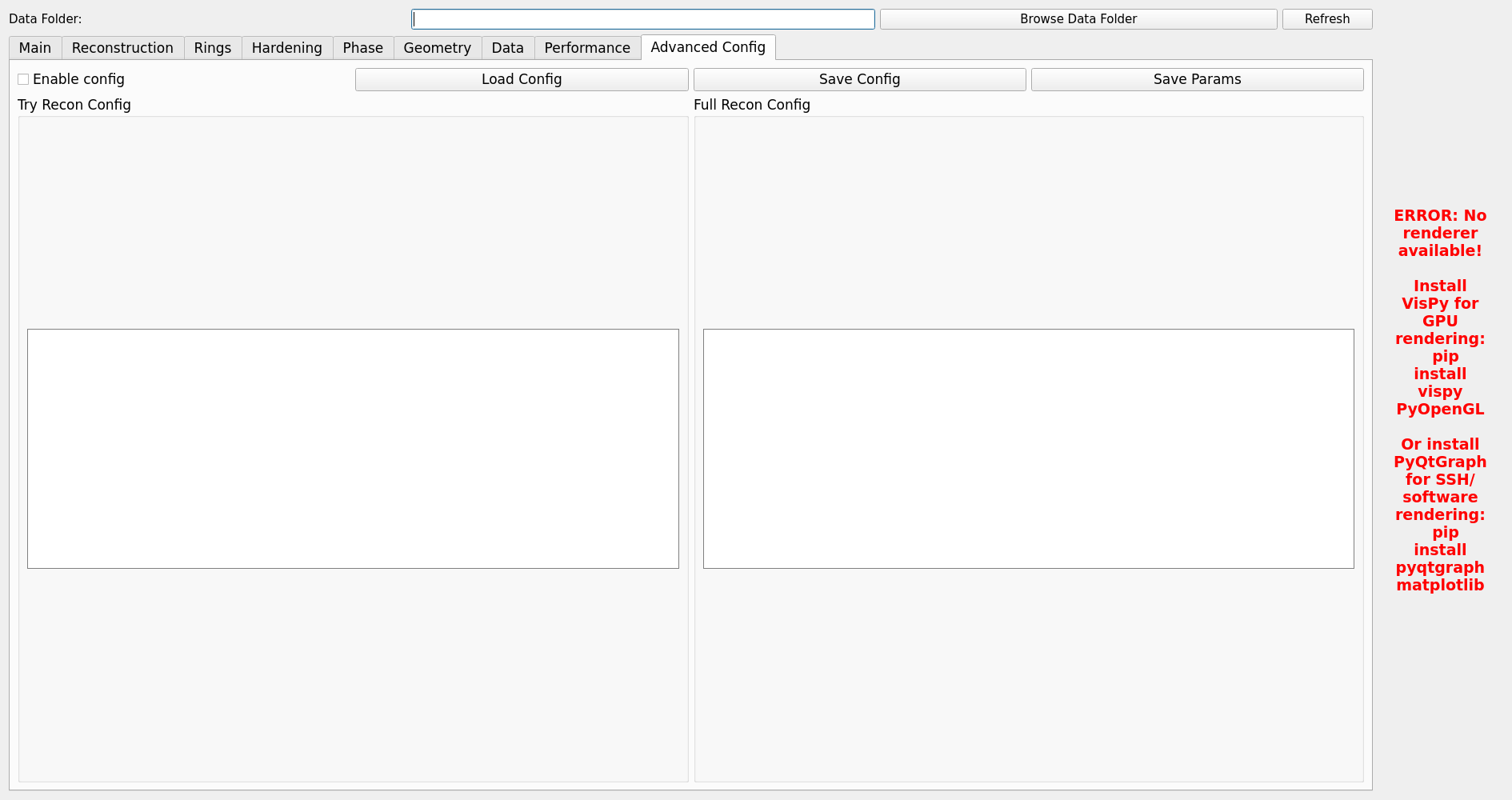
Open the Advanced Config tab.
Remote host —
user@hostor a~/.ssh/configalias. Leave blank for local execution.Number of GPUs — how many GPUs on the remote host to use.
AI model path — absolute path on the remote host to the
.pthcheckpoint used by AI Reco.
Non-interactive shell env
SSH command execution uses a non-interactive shell, which on many
systems skips most of ~/.bashrc. If tomocupy or
_infer_worker are only on $PATH inside an activated conda env,
make sure the activation runs in non-interactive shells too.
Minimal fix in ~/.bashrc on the remote host:
# Activate the correct env even for non-interactive ssh commands
export PATH=/path/to/conda/envs/tomocupy/bin:$PATH
Or more explicitly, with conda:
source /path/to/conda/etc/profile.d/conda.sh
conda activate tomocupy
Verify:
ssh <host> 'echo $PATH; which tomocupy'
Troubleshooting
Command not foundon remoteNon-interactive shell misses your conda activation. See the env section above.
File not foundon remoteDifferent mount points; check
ls <path>both locally and on the remote host.- Jobs stuck in “Queued”
The first SSH connection hung. Try
ssh <host> 'hostname'from a shell. If that also hangs, the SSH layer itself is broken — fix that before touching TomoGUI.- CUDA_VISIBLE_DEVICES ignored
If you export
CUDA_VISIBLE_DEVICESin the remote’s~/.bashrc, it will cap what TomoGUI’s per-GPU workers can see. Remove it.
For additional help: man ssh / man ssh_config, and check
/var/log/auth.log on the remote host.